
VS Code 目前並沒有原生支援 Hugo,須另外安裝一些 Extension 協助。
Version
VS Code 1.125.1
Hugo Language and Syntax Support
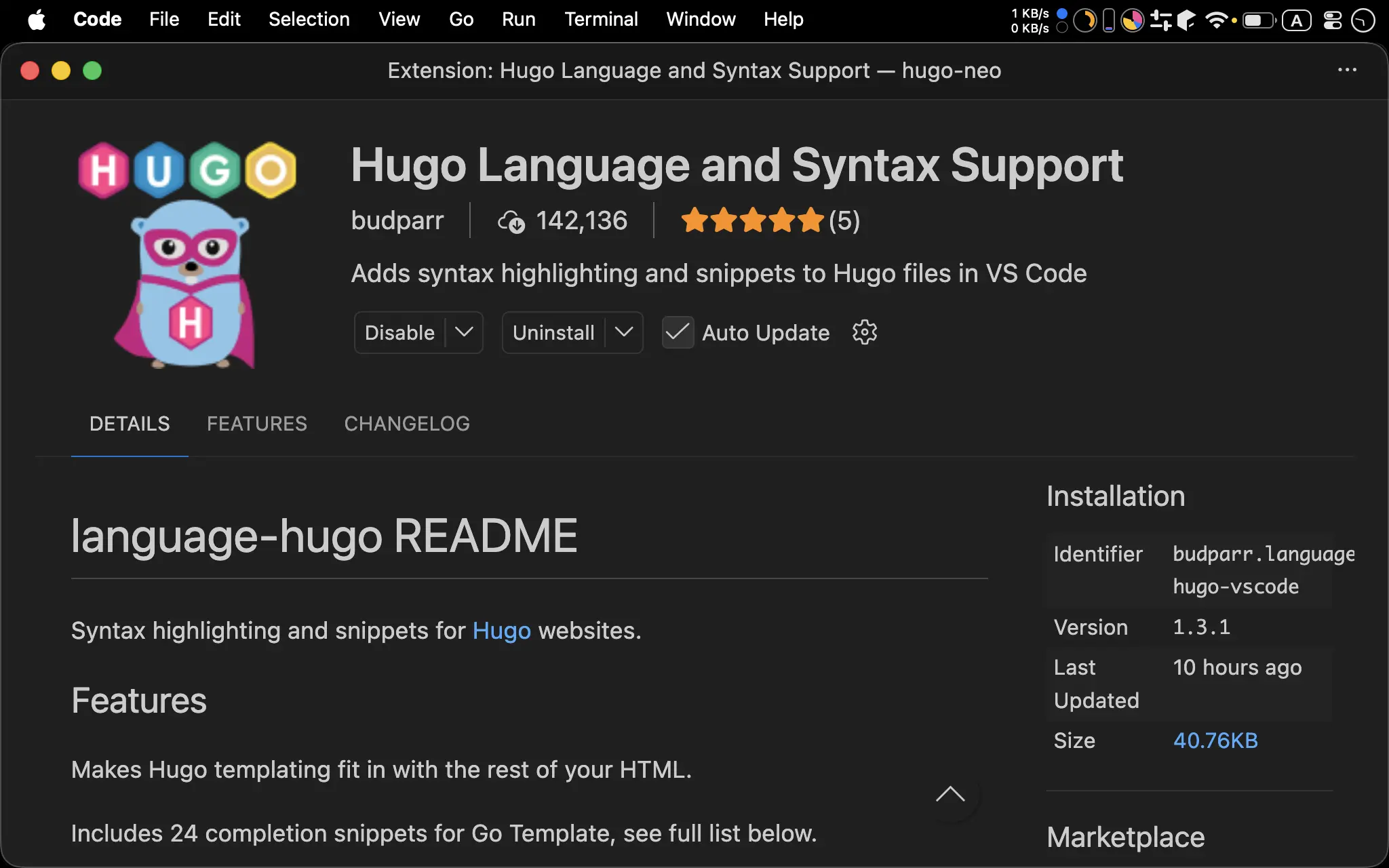
- 支援 Go Template
Hugo Partials Refs
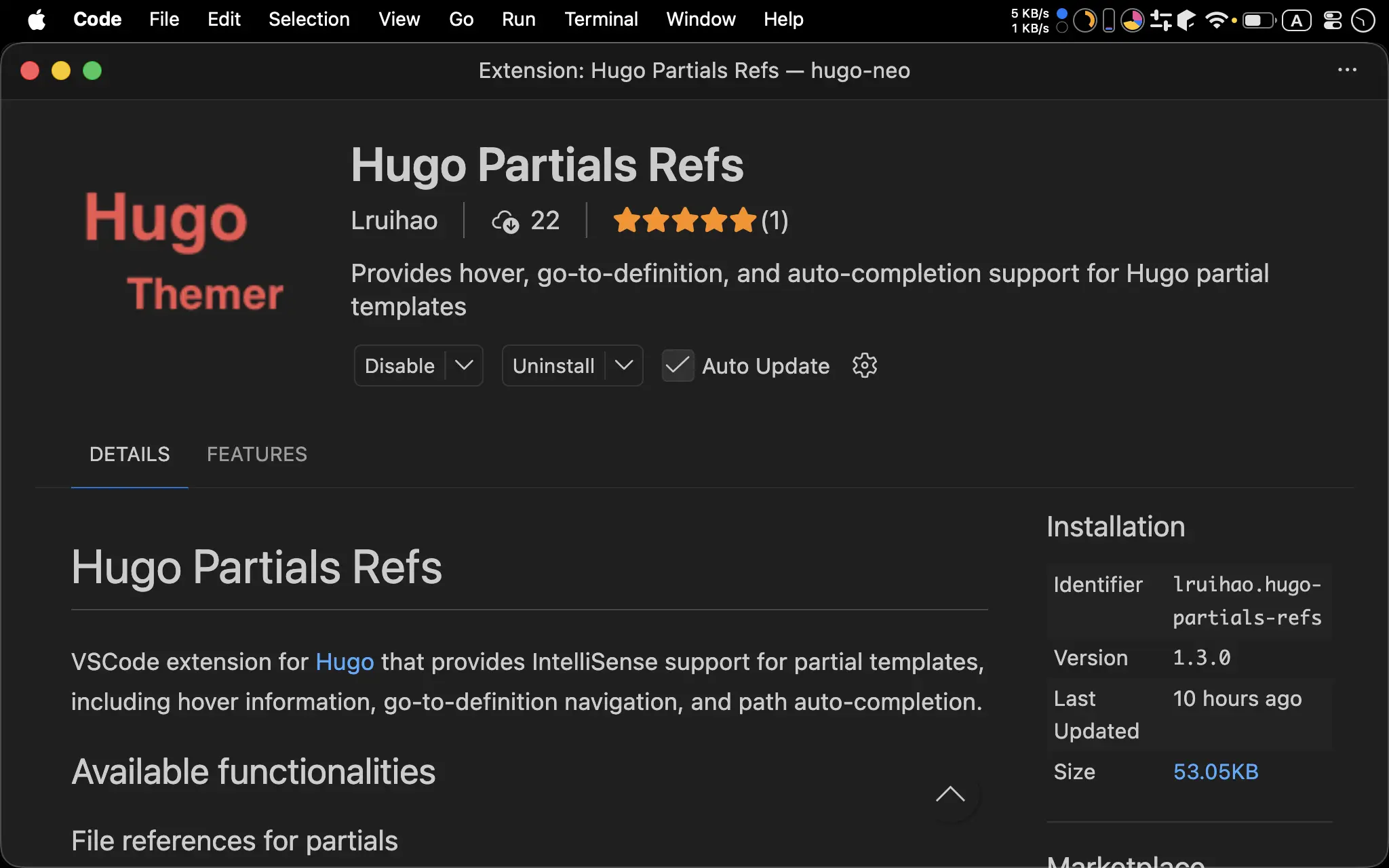
- 支援在 HTML 跳轉到其他 Partial
- 支援 Hugo 0.146.0 的
_partials目錄
Even Better TOML
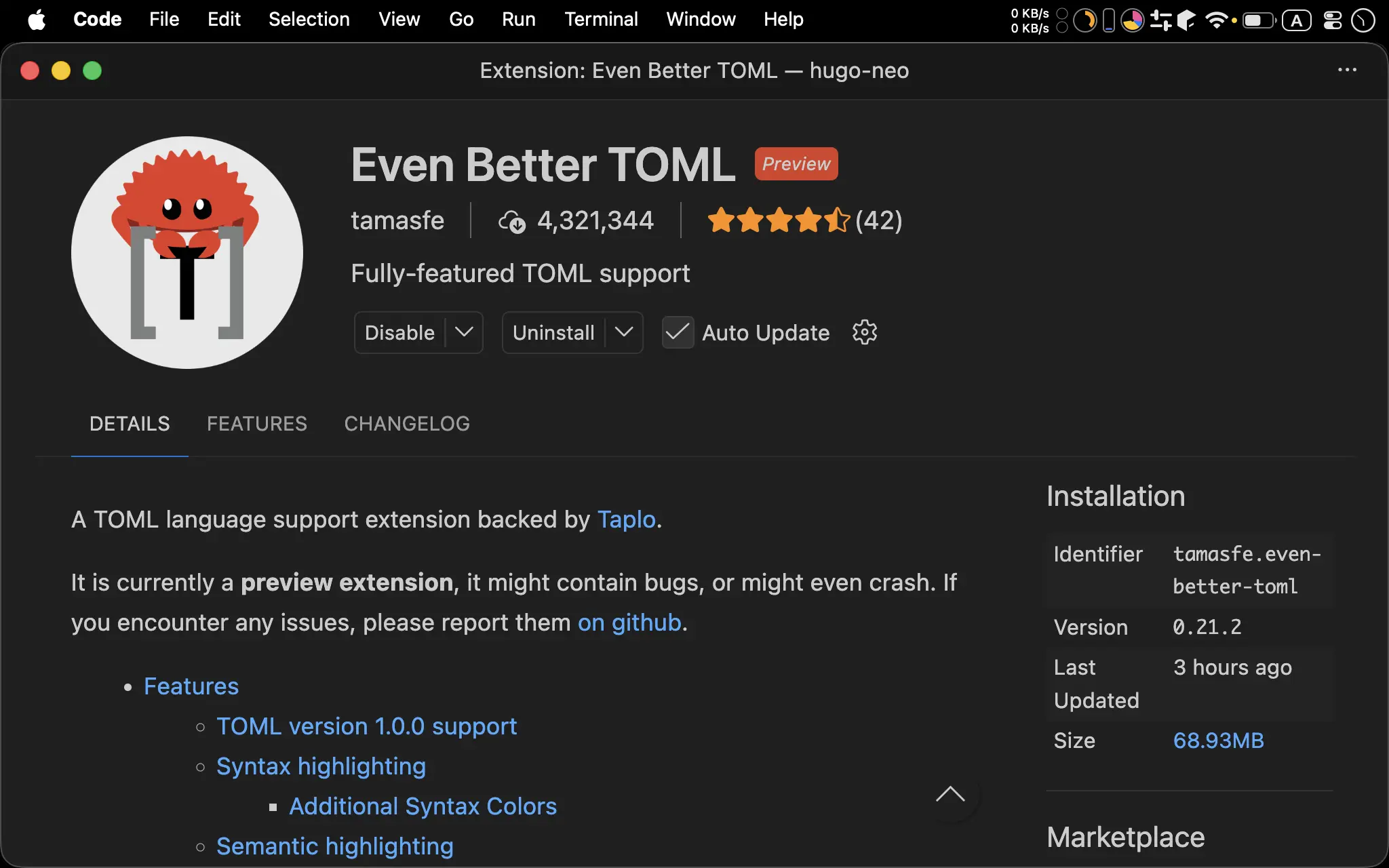
- 支援 TOML
Prettier
- 美化 HTML/CSS/JavaScript/Go Template/TOML
- Prettier 比較特別,要分別安裝
Node.js 端與VS Code 端
Node.js 端
$ npm install -D prettier
$ npm install -D prettier-plugin-go-template
prettier:美化 HTML/CSS/JavaScriptprettier-plugin-go-template:Prettier plugin:美化 Go Template
.prettierrc
{
  "bracketSameLine": true,
  "htmlWhitespaceSensitivity": "ignore",
  "semi": false,
  "singleQuote": true,
  "arrowParens": "avoid",
  "plugins": [
    "prettier-plugin-go-template"
  ],
  "overrides": [
    {
      "files": [
        "*.html"
      ],
      "options": {
        "parser": "go-template"
      }
    }
  ]
}
- Prettier 設定檔
.prettierrc
Line 2
"bracketSameLine": true,
"htmlWhitespaceSensitivity": "ignore",
"semi": false,
"singleQuote": true,
"arrowParens": "avoid",
bracketSameLine: true:HTML 的多 attribute 造成 tag 變成多行時,>不換行htmlWhitespaceSensitivity: ignore:HTML 忽略 white space 不換行semi: false:JavaScript 支援 ASI,結尾不加分號singleQuote: true:JavaScript 的 String 使用單引號,但 HTML 與 SCSS 仍維持雙引號arrowParens: avoid:JavaScript 的 function 只有一個參數時不加()
Line 7
"plugins": [
  "prettier-plugin-go-template"
],
plugins:設定 Prettier pluginprettier-plugin-go-template:美化 Go template
Line 10
"overrides": [
  {
    "files": [
      "*.html"
    ],
    "options": {
      "parser": "go-template"
    }
  }
]
- 將
.html視為 Go Template 處理
.prettierignore
node_modules
public
*.min.css
*.mim.js
設定 Prettier 忽略的檔案類型與目錄:
node_modules:忽略 NPM 套件的目錄public:忽略 Hugo 編譯後檔案的目錄*.min.css:忽略已經壓縮的 CSS*.min.js:忽略已經壓縮的 JavaScript
VS Code 端
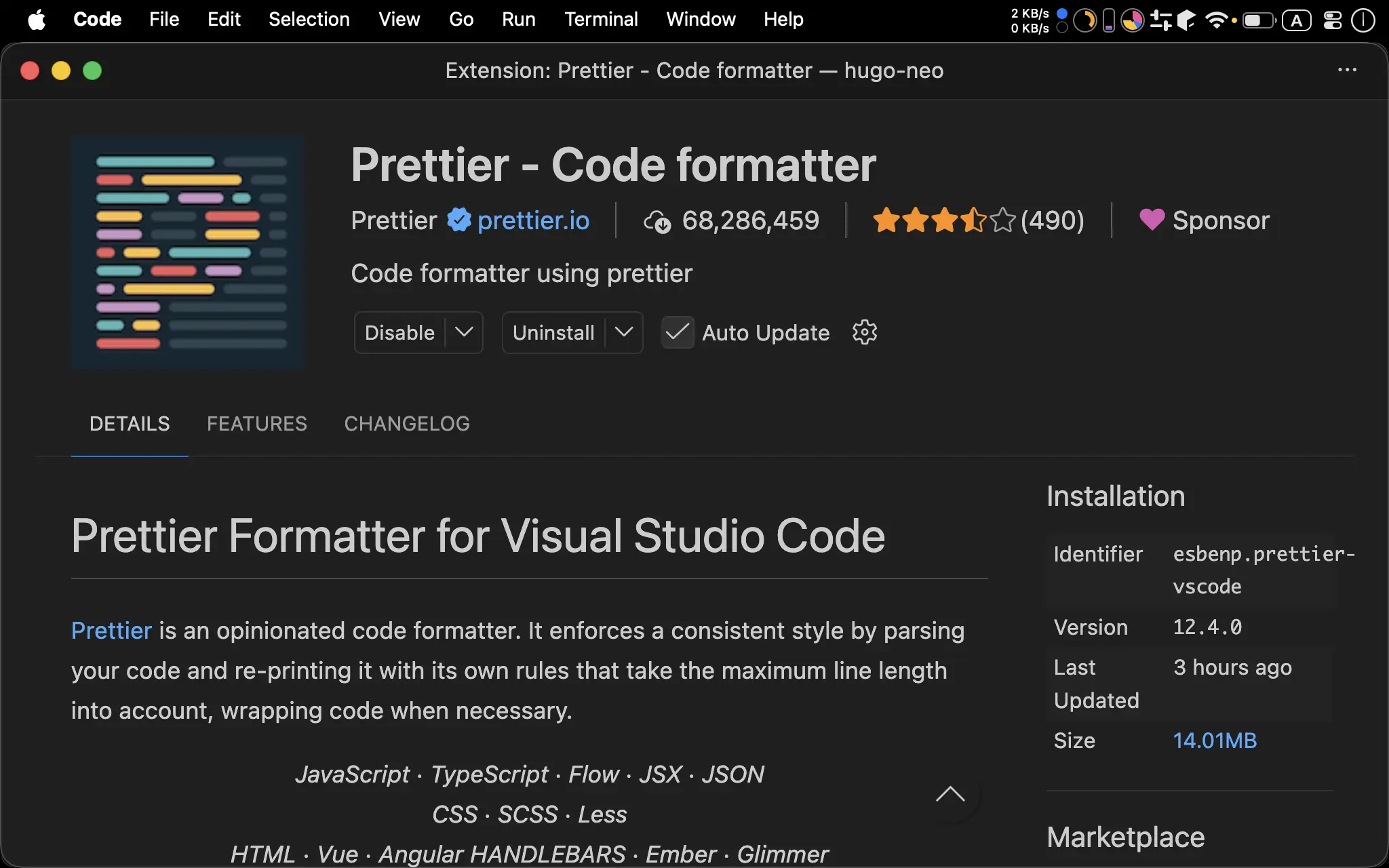
- 在 VS Code 內使用 Prettier
settings.json
{
  "editor.defaultFormatter": "esbenp.prettier-vscode",
  "editor.formatOnSave": true,
  "files.autoSave": "afterDelay",
  "files.associations": {
    "*.gohtml": "html"
  },
  "[html]": {
    "editor.formatOnSave": true,
    "editor.defaultFormatter": "esbenp.prettier-vscode"
  },
  "[css]": {
    "editor.formatOnSave": true,
    "editor.defaultFormatter": "esbenp.prettier-vscode"
  },
  "[javascript]": {
    "editor.formatOnSave": true,
    "editor.defaultFormatter": "esbenp.prettier-vscode"
  },
  "[toml]": {
    "editor.formatOnSave": true,
    "editor.defaultFormatter": "tamasfe.even-better-toml"
  },
  "[json]": {
    "editor.formatOnSave": true,
    "editor.defaultFormatter": "esbenp.prettier-vscode"
  }
}
- 與 Prettier 相關的設定
要放在 Global Setting 或 Project Setting 皆可,可依需求決定
Line 3
"editor.defaultFormatter": "esbenp.prettier-vscode",
- 設定 Prettier 為預設格式工具
Line 4
"editor.formatOnSave": true,
- 每次儲存檔案時自動 Prettier 格式化
Line 5
"files.autoSave": "afterDelay",
- 延遲幾百毫秒後自動儲存
Line 6
"files.associations": {
  "*.gohtml": "html"
},
- 指定檔案關聯,讓
*.gohtml視為 HTML
Line 21
"[toml]": {
  "editor.formatOnSave": true,
  "editor.defaultFormatter": "tamasfe.even-better-toml"
},
- TOML 使用 Enen Better TOML 格式化,而不是用 Prettier
package.json
"scripts": {
  "prettier": "prettier --write '**/*.{html,css,js}'"
},
prettier:一次處理專案內所有 HTML/CSS/JavaScript
EditorConfig
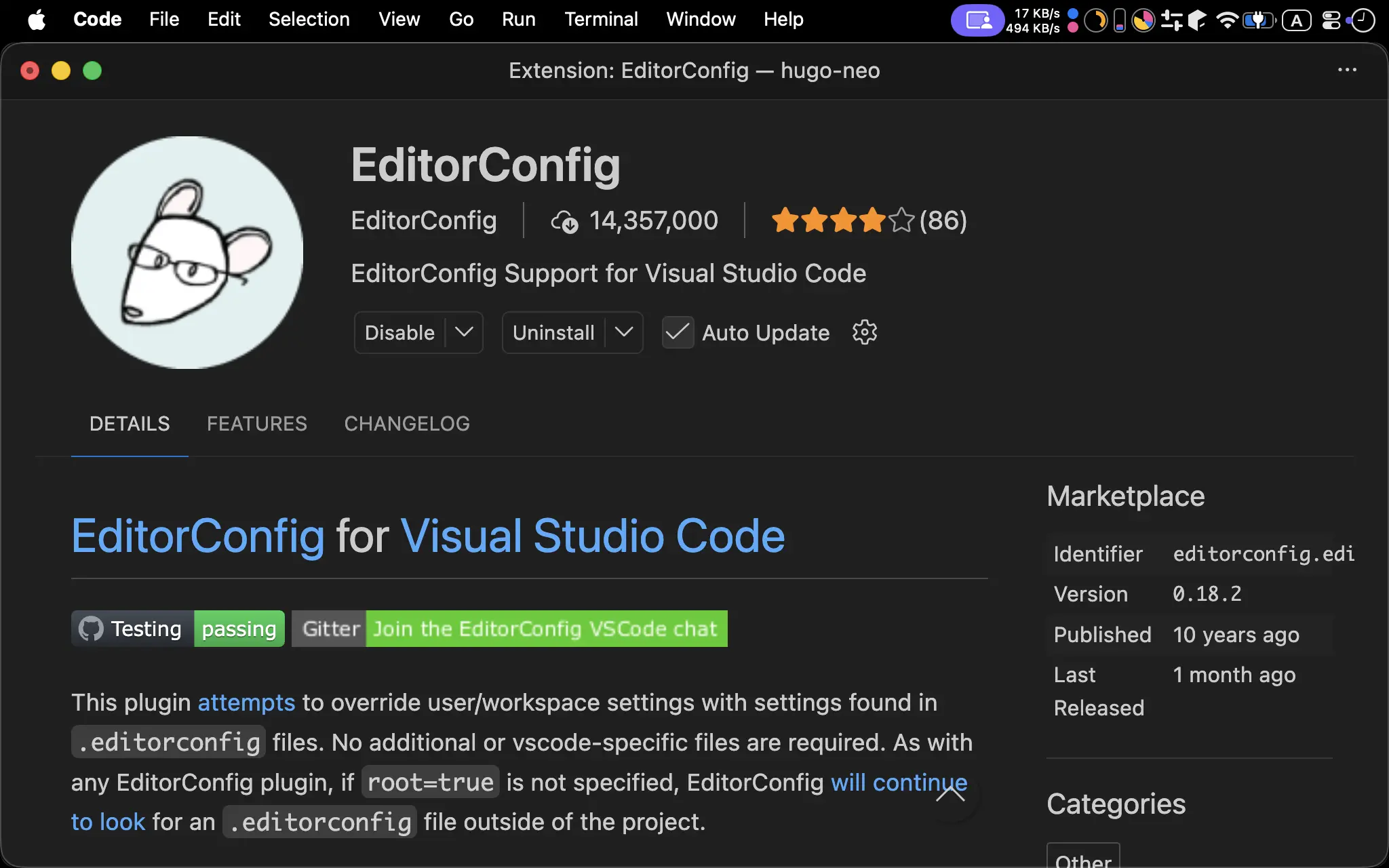
- 支援 EditorConfig
.editorconfig
root = true

# 針對所有檔案的預設設定
[*]
charset = utf-8
indent_style = space
indent_size = 2
end_of_line = lf
insert_final_newline = true
trim_trailing_whitespace = true

# 強制針對 HTML 和 Go Template 檔案使用 2 空格
[*.{html,htm,tmpl}]
indent_style = space
indent_size = 2
- 強制 Go Template 語法 indent 為
2
Git
.gitignore
# Hugo
public
resources
.hugo_build.lock

# Editor
.idea
.vscode/*
!.vscode/settings.json
!.vscode/extensions.json

# NPM
node_modules

# macOS
.DS_Store
- 將
.gitignore建立在 Hugo 專案的根目錄下,排除以下檔案進 Git:public: Hugo 編譯過的 HTML/CSS/JavaScriptresources:hugo server時所建立的暫存目錄.hugo_build.lock:hugo build所建立 lock 檔.idea:WebStorm 設定檔目錄.vscode:VS Code 設定檔目錄!.vscode/settings.json:VS Code 的 Workspace Setting 為例外!.vscode/extensions.json:VS Code 的 Workspace Extension 為例外node_modules: NPM 套件存放目錄.DS_Store: macOS 資源檔
NPM Script
package.json
{
  "scripts": {
    "dev": "hugo server --disableFastRender",
    "build": "hugo --cleanDestinationDir --minify",
    "serve": "python3 -m http.server --directory public",
    "prettier": "prettier --write '**/*.{html,css,js}'"
  },
  "devDependencies": {
    "prettier": "^3.8.3",
    "prettier-plugin-go-template": "^0.0.15",
    "prettier-plugin-toml": "^2.0.6"
  }
}
- 儲存 NPM Script 與 Prettier 的 dependency
Line 2
"scripts": {
  "dev": "hugo server --disableFastRender",
  "build": "hugo --cleanDestinationDir --minify",
  "serve": "python3 -m http.server --directory public",
  "prettier": "prettier --write '**/*.{html,css,js}'"
},
dev:開發時期執行hugo server啟動內建 Web Serverbuild:生產時期執行hugo將 Markdown編譯成 HTML/CSS/JavaScriptserver:使用 Python 內建 Web Server 顯示編譯過個 HTML/CSS/JavaScriptprettier:使用 Prettier 美化所有檔案
Explorer
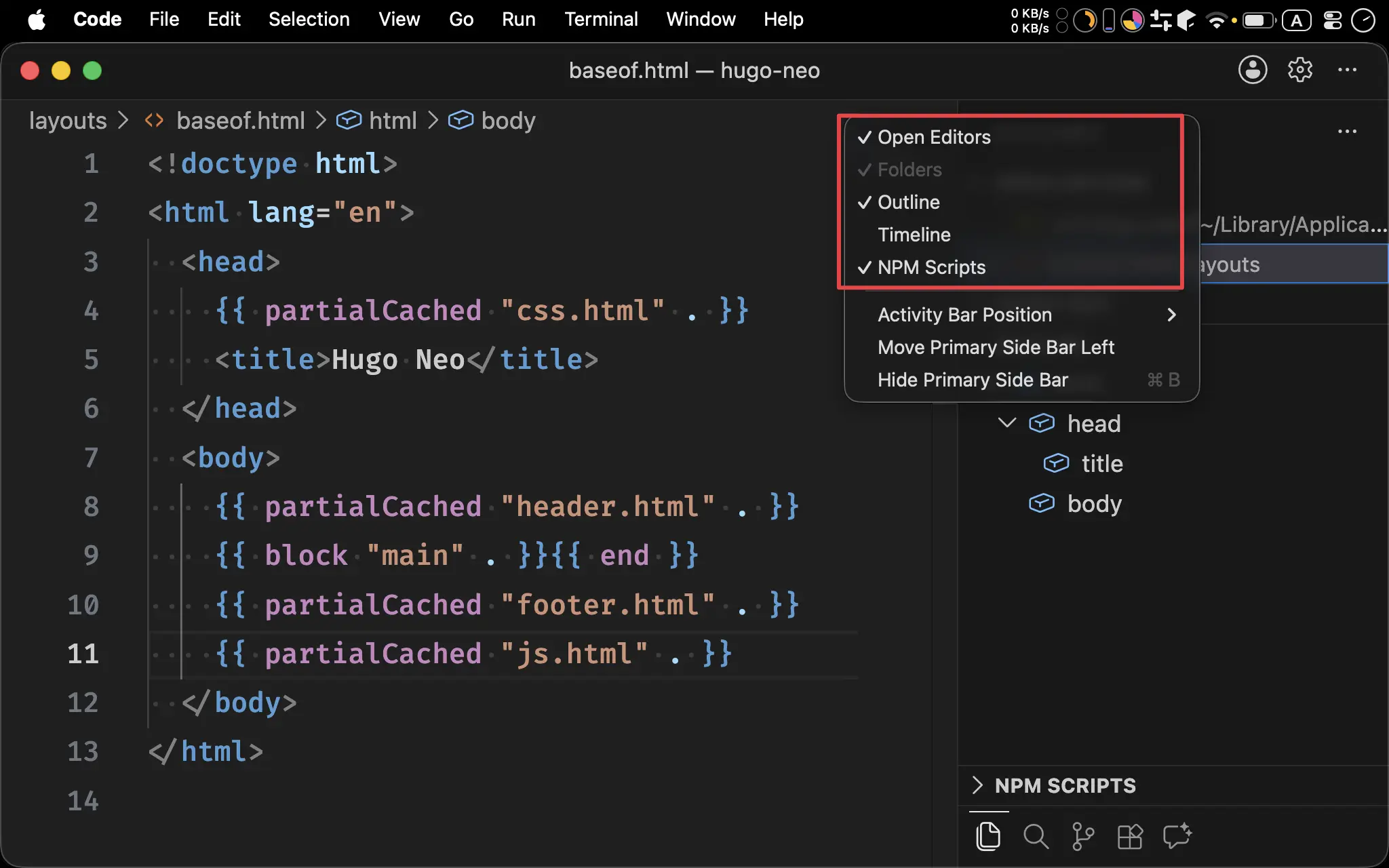
- 在 Explorer 按右鍵,選擇
Open Editors、Outline與NPM Scripts
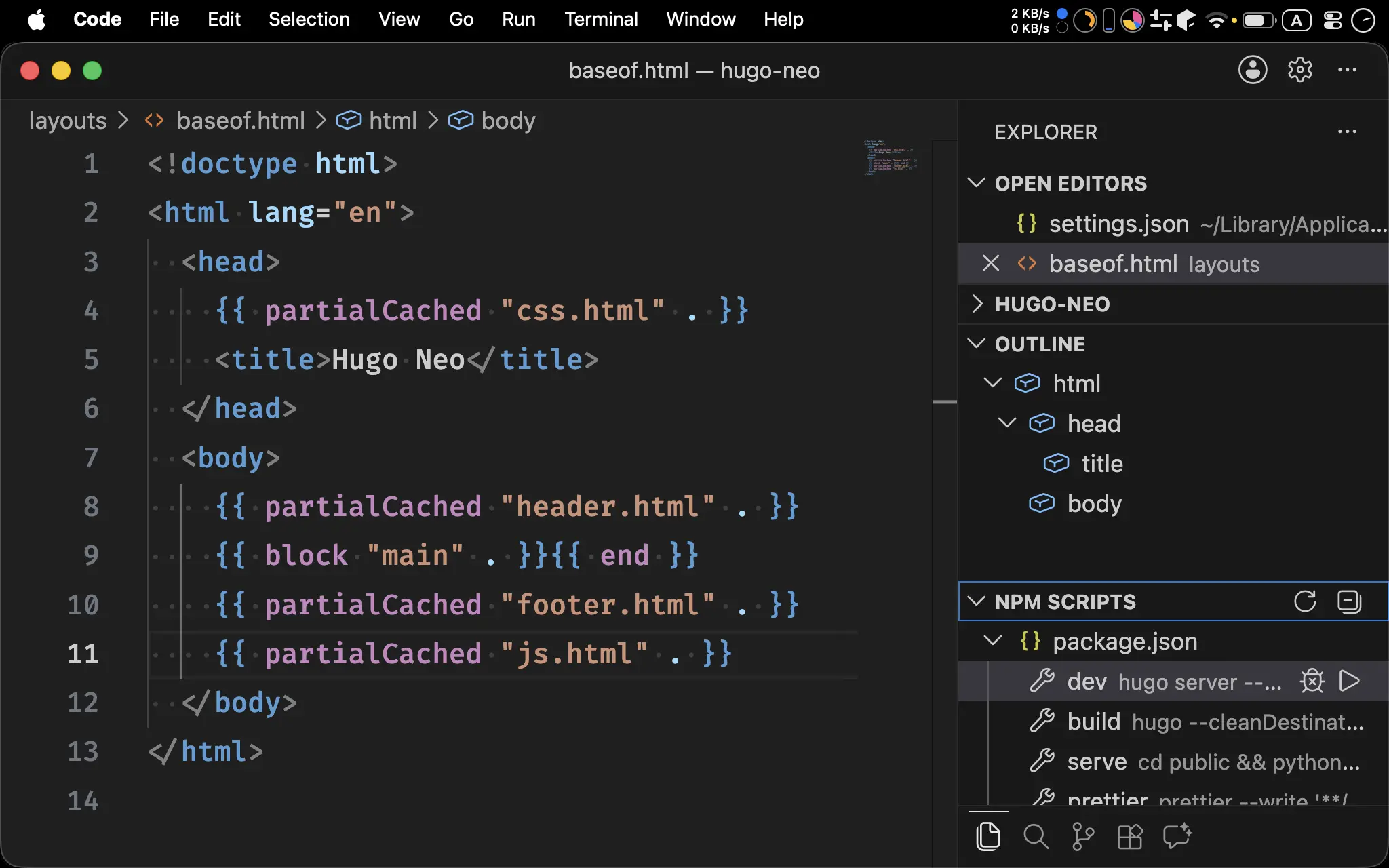
Open Editors:可顯示已開啟的 Editor,方便快速切換Outline:可顯示包含 Go Template 的 HTML 的 OutlineNPM Scripts:可顯示package.json內的 NPM Script 方便執行
Exclusive Directories
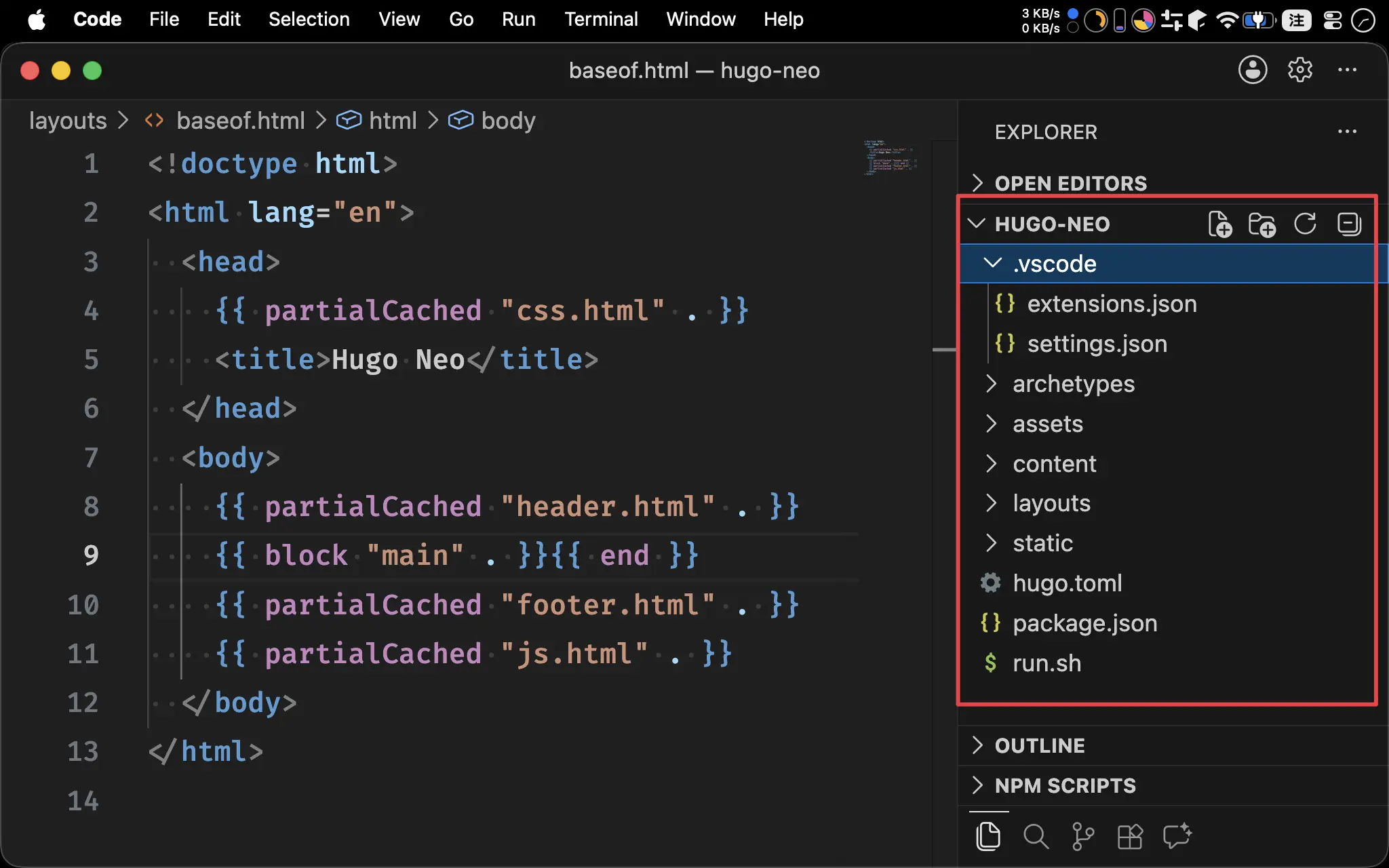
settings.json
"files.exclude": {
  "node_modules": true,
  "public": true,
  "resources": true,
  ".idea": true,
  ".vscode": false,
  ".git": true,
  ".gitignore": true,
  ".prettierrc": true,
  ".prettierignore": true,
  ".DS_Store": true,
  ".hugo_build.lock": true,
  ".editorconfig": true,
  "package.json": false,
  "package-lock.json": true,
  "run.sh": true
}
- 在 Workspace Setting 設定在 Explorer 不顯示的目錄與檔案:
node_modules:NPM 套件存放目錄public:Hugo 編譯過的 HTML/CSS/JavaScriptresources:hugo server時所建立的暫存目錄.idea:WebStorm 設定檔目錄.vscode:VS Code 設定檔目錄.git:Git 版本控制目錄.gitignore:Git 忽略規則檔.prettierrc:Prettier 設定檔.prettierignore:Prettier 忽略檔.DS_Store:macOS 資源檔.hugo_build.lock:hugo build所建立 lock 檔.editorconfig:Editor 格式統一設定檔package.json:NPM 設定檔package-lock.json:NPM 依賴版本鎖定檔run.sh:Hugo shell Script
Integrated Browser
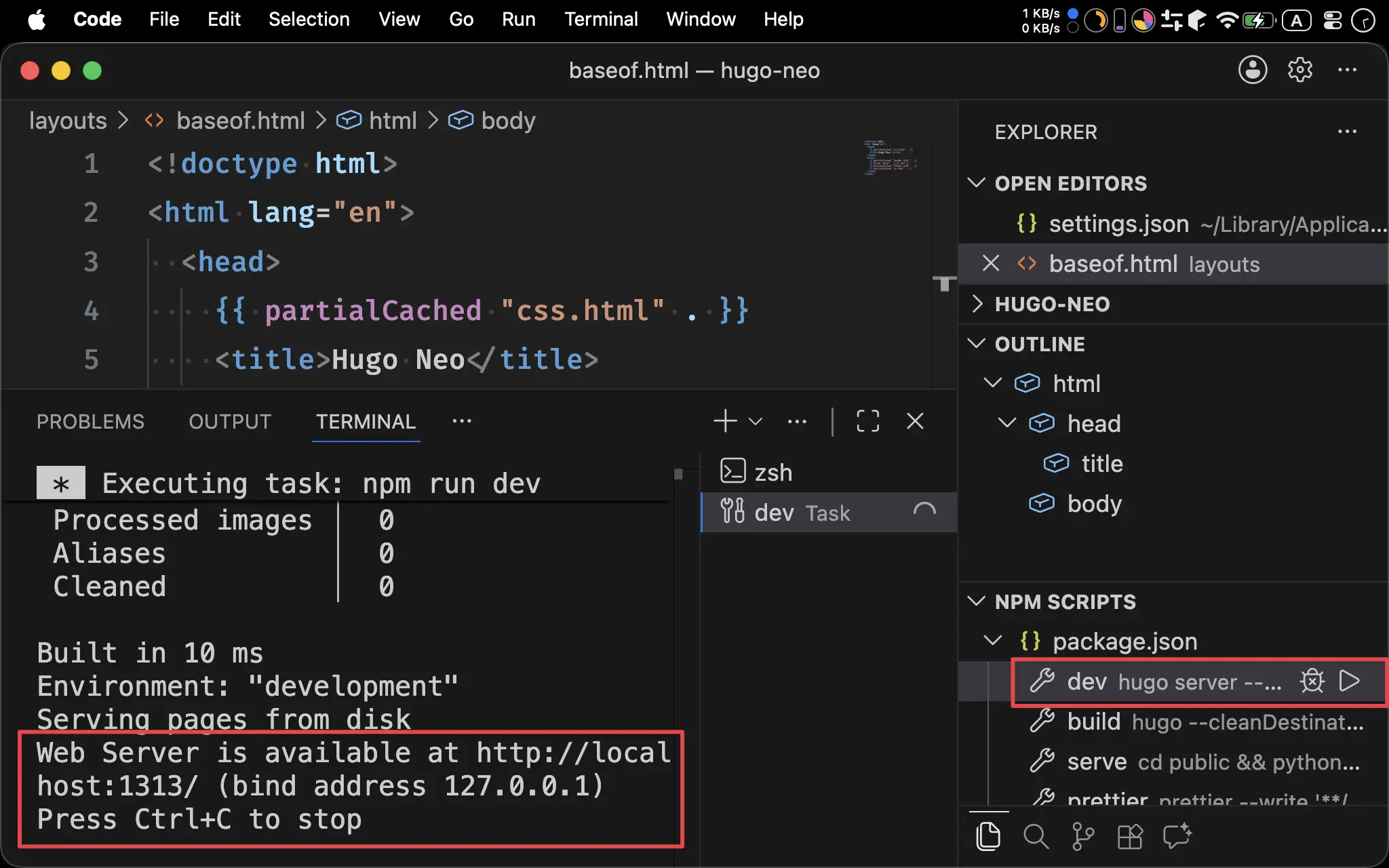
- 在 NPM Script 內執行
dev啟動 Hugo 內建的 Web Server
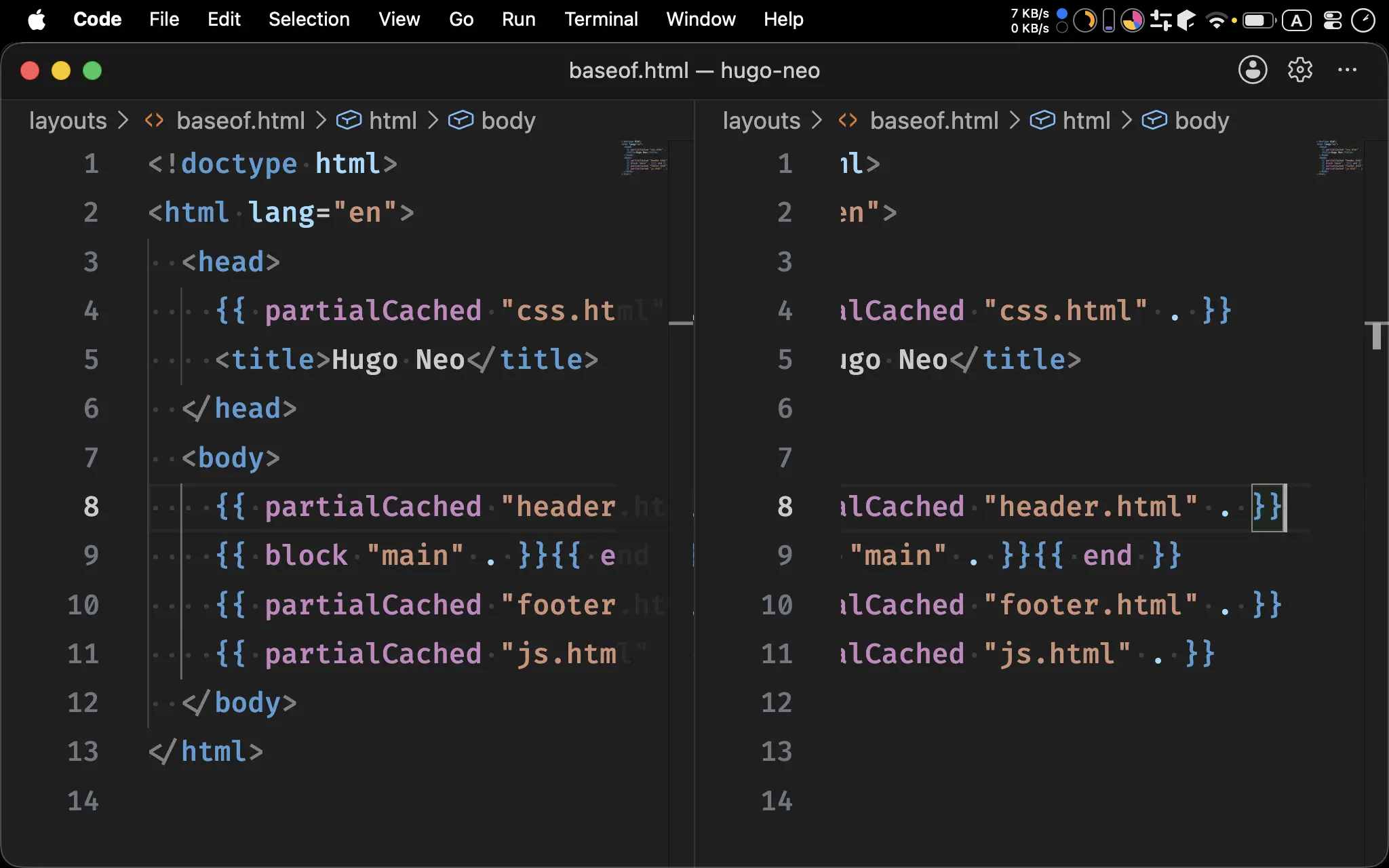
- 先使用 ⌘ \ 將目前 Split Screen 成兩個 Editor
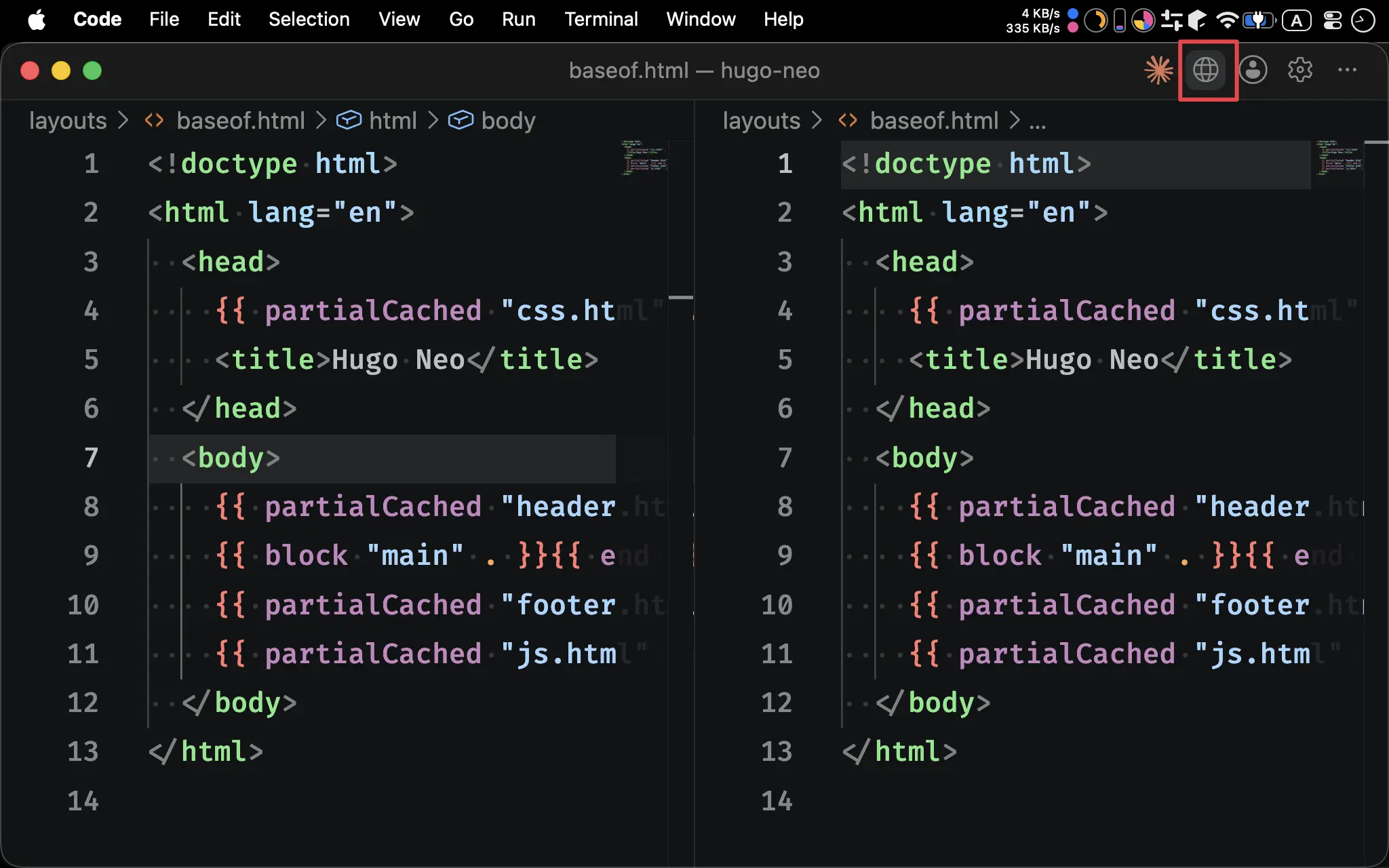
- 按右上角圖示啟動 Integrated Browser
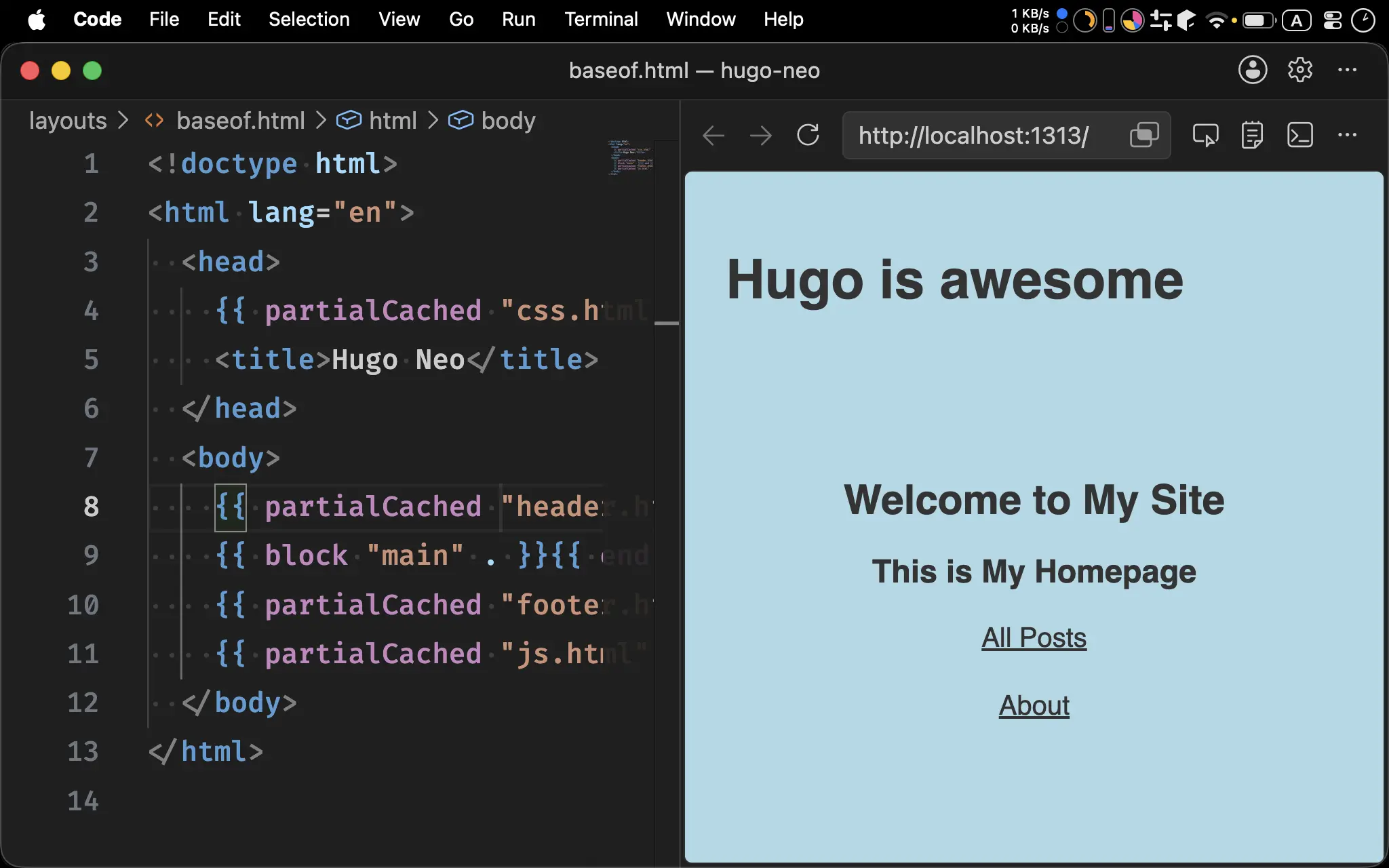
- 在網址列輸入
http://localhost:1313 - VS Code 已經內建 Chromium,可直接在 VS Code 內邊開發邊看到結果
Workspace Setting
.vscode/settings.json
{
  // Prettier
  "editor.defaultFormatter": "esbenp.prettier-vscode",
  "editor.formatOnSave": true,
  "files.autoSave": "afterDelay",
  "files.associations": {
    "*.gohtml": "html"
  },
  "[html]": {
    "editor.formatOnSave": true,
    "editor.defaultFormatter": "esbenp.prettier-vscode"
  },
  "[css]": {
    "editor.formatOnSave": true,
    "editor.defaultFormatter": "esbenp.prettier-vscode"
  },
  "[javascript]": {
    "editor.formatOnSave": true,
    "editor.defaultFormatter": "esbenp.prettier-vscode"
  },
  "[toml]": {
    "editor.formatOnSave": true,
    "editor.defaultFormatter": "esbenp.prettier-vscode"
  },

  // Exclusive Directories
  "files.exclude": {
    "node_modules": true,
    "public": true,
    "resources": true,
    ".idea": true,
    ".vscode": false,
    ".git": true,
    ".gitignore": true,
    ".prettierrc": true,
    ".prettierignore": true,
    ".DS_Store": true,
    ".hugo_build.lock": true,
    ".editorconfig": true,
    "package.json": false,
    "package-lock.json": true,
    "run.sh": true
  }
}
- 完整適用於 Hugo 專案的 Workspace Setting
.vscode/extensions.json
{
  "recommendations": [
    "budparr.language-hugo-vscode",
    "lruihao.hugo-partials-refs",
    "esbenp.prettier-vscode",
    "tamasfe.even-better-toml",
    "editorconfig.editorconfig"
  ]
}
- 完整適用於 Hugo 專案的 Extension Setting:
budparr.language-hugo-vscode:Hugo Language and Syntax Supportesbenp.prettier-vscode:Prettier - Code Formatterstylelint.vscode-stylelint:Stylingtamasfe.even-better-toml:Even Better TOMLeditorconfig.editorconfig:EditorConfig
Conclusion
- 由於 VS Code 強烈依賴 Node.js 生態系的 Prettier,因此必須安裝 Node.js
- VS Code 的 Outline 竟然能解析出含有 Go Template 的 HTML,在 WebStorm 是不行的
- 由於 VS Code 內建 Chromium,可直接在 VS Code 邊開發 Hugo Layout 邊看到 HTML 結果,非常方便